A home page can look healthy while a product or cart path fails. Waiting for a customer report makes the customer the monitor. The useful check follows the buying path and remembers when a failure starts or recovers.
Interactive demo
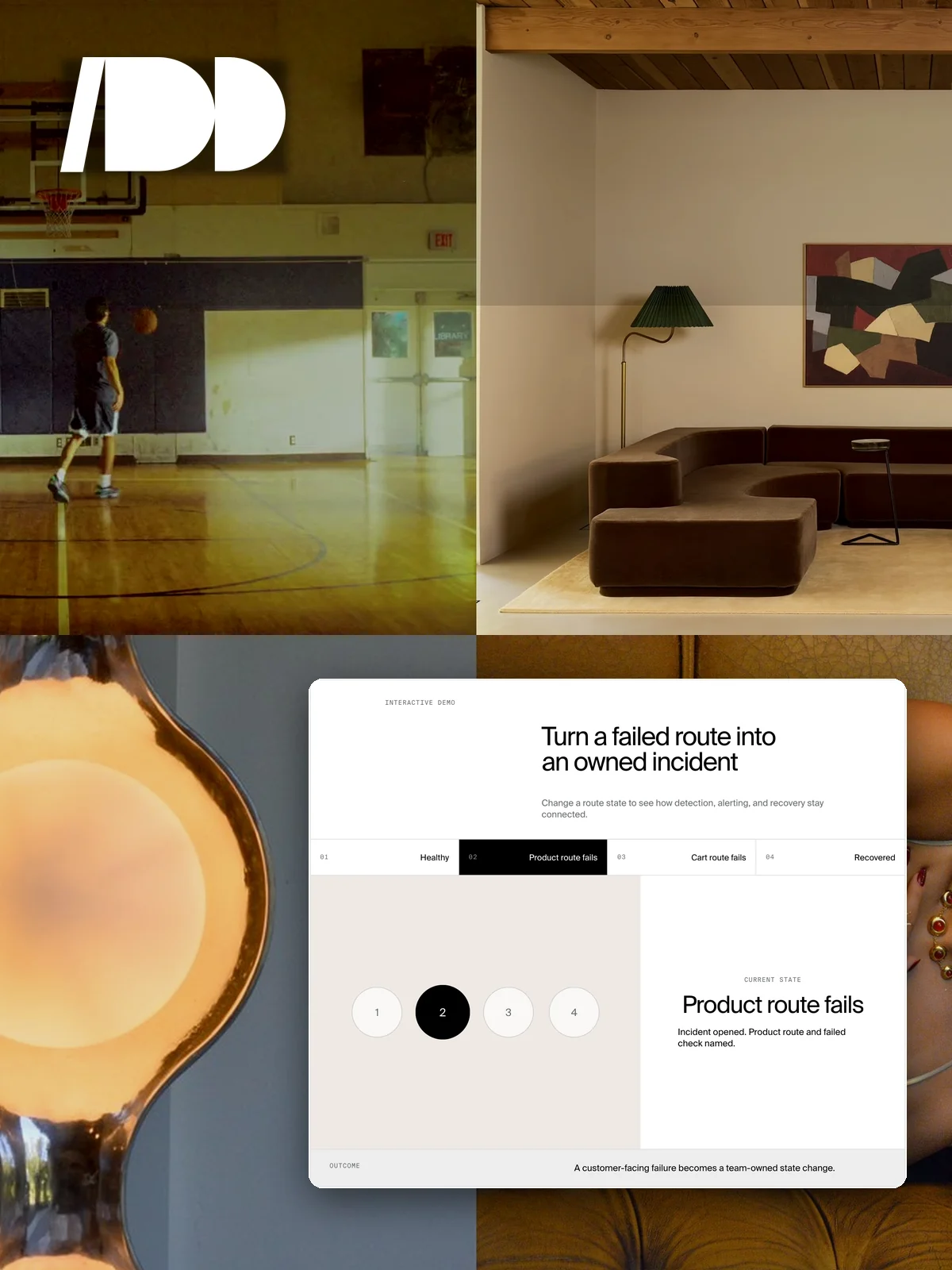
Turn a failed route into an owned incident
Change a route state to see how detection, alerting, and recovery stay connected.
- CurrentHealthy
- NextProduct route fails
- NextCart route fails
- NextRecovered
Current state
Healthy
All defined buying paths return the expected response.
How it works
- The monitor keeps a defined list of store and buying-path targets.
- Scheduled checks request each target and verify the expected response.
- A failure is confirmed against the target rule instead of treating every unusual response as downtime.
- A state change creates an alert with the route and failed check.
- Recovery creates a second state change so the team knows the incident has ended.
What becomes easier for your team
- Opening every store page to see whether it works.
- Assuming the home page proves the product path is healthy.
- Learning about a broken cart from a customer.
- Wondering whether a failed route recovered.
What we connect
Storefront, product, catalogue, cart, scheduled probes, expected response rules, incident state, alerting, and recovery notices form one operating monitor.
Good for
Every live store, especially headless builds, stores with dynamic product routes, and teams that need someone to own the buying path after launch.
Get it on your store
Included in every Run tier. We define the routes that matter, the response each should return, and the person who owns the alert. Tell us about the store.