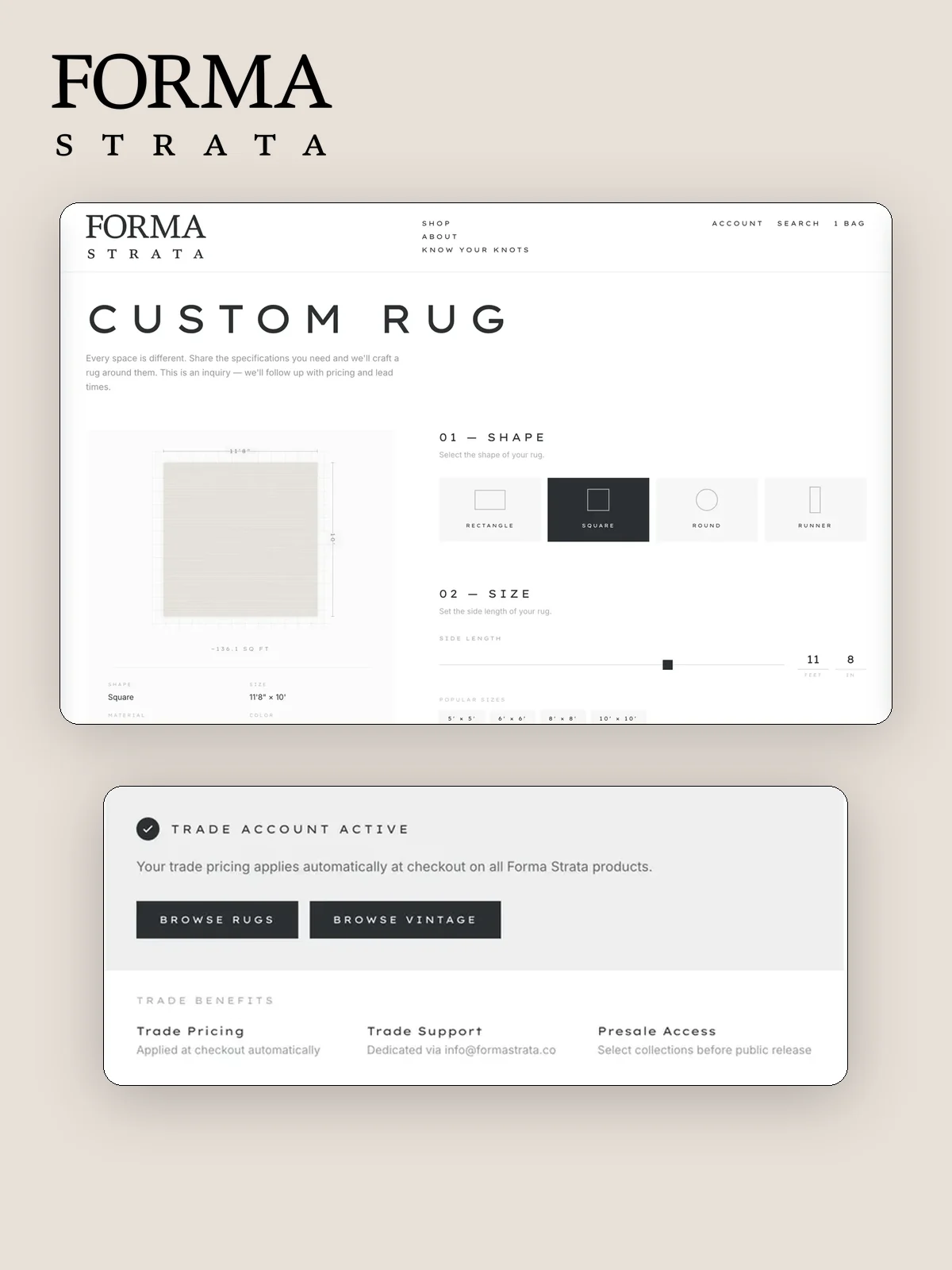
Custom orders often begin in messages and end as a patchwork of copied addresses, product notes, and manual follow-up. The risk is not the unusual order. It is the repeated transfer of the same facts between people and systems.
Interactive demo
Prepare a custom order without retyping the customer
Follow a staff draft from the customer record to a structured order review.
- CurrentChoose customer
- NextChoose saved address
- NextAdd order details
- NextReview
Current state
Choose customer
Customer record found.
How it works
- Staff select an existing customer or prepare a new customer record.
- The saved address book supplies the delivery details without another copy and paste.
- The custom product, price, notes, and fulfilment context are reviewed together.
- The prepared order enters the commerce back office with its customer and delivery record attached.
- The team can follow fulfilment and service from the same order history as the public store.
What becomes easier for your team
- Searching old messages for an address.
- Copying customer details into each new order.
- Keeping custom orders in a separate spreadsheet.
- Losing the delivery note when an order changes hands.
What we connect
Customer records, saved addresses, custom product details, order notes, fulfilment context, and the store's order history live in one staff-facing workflow.
Good for
Furniture, rugs, made to order products, private sales, and brands whose staff regularly prepare orders on behalf of a customer.
Get it on your store
Available through a Systems Build. Show us how staff prepare a custom order today and where the handoffs fail. We will turn that path into one operating surface. Tell us about the store.