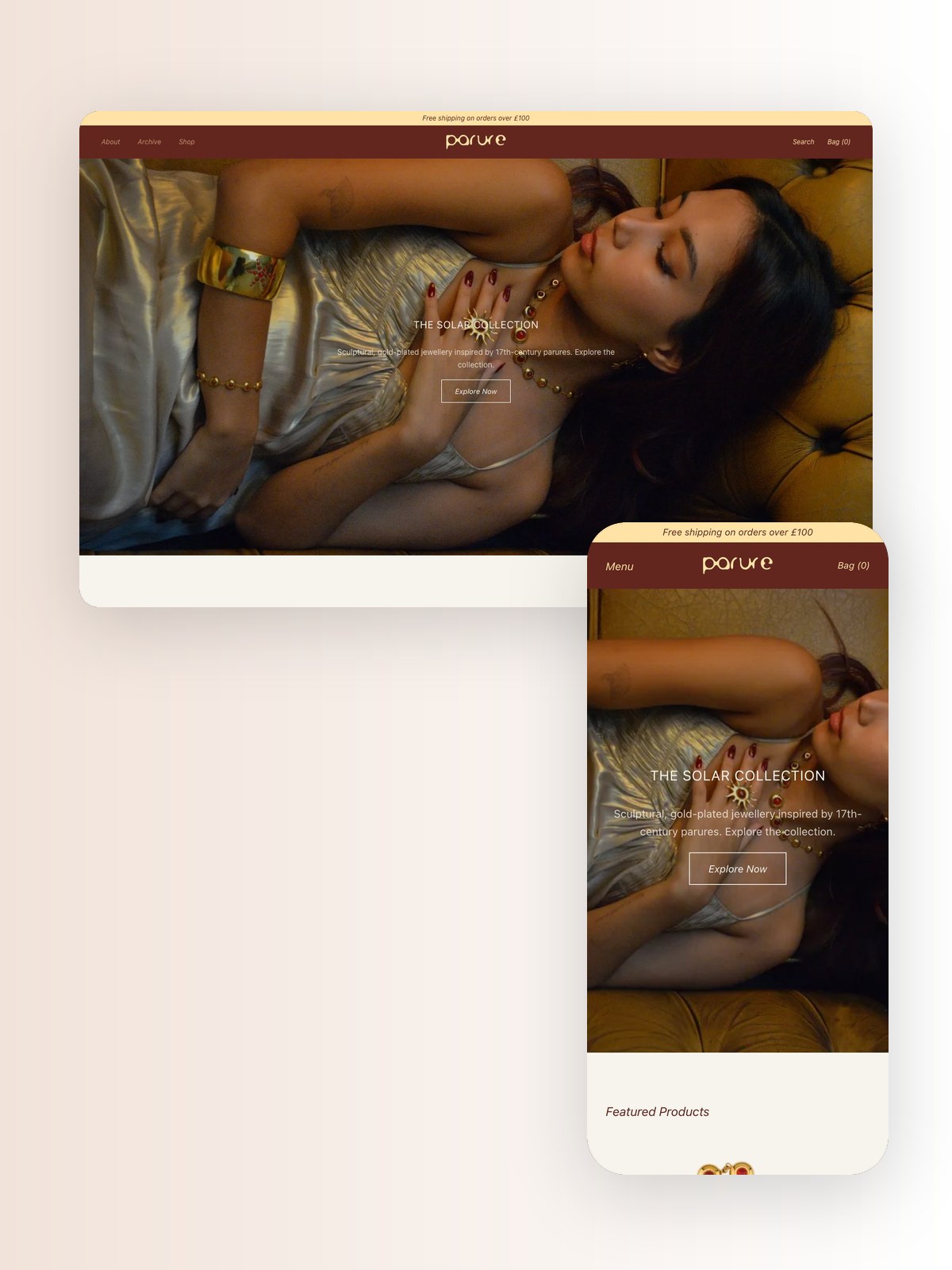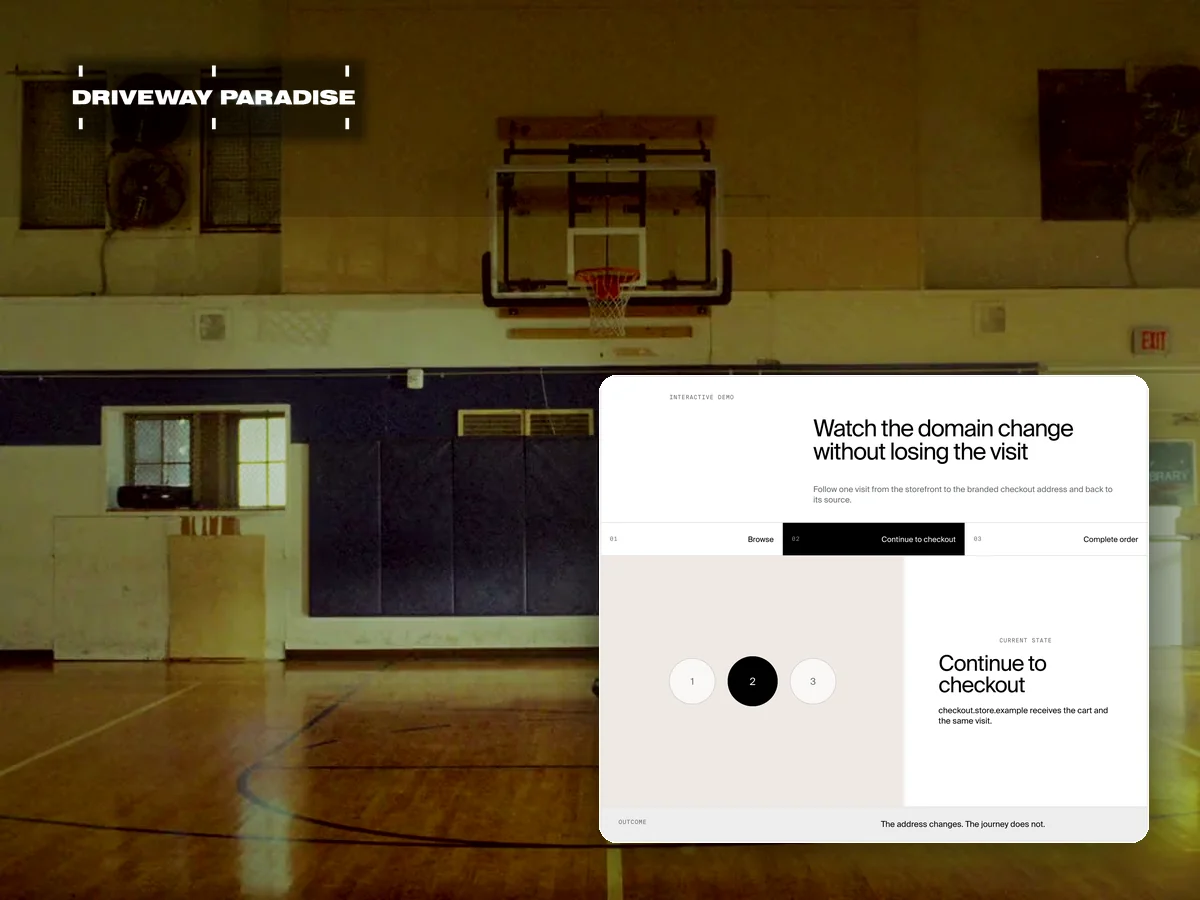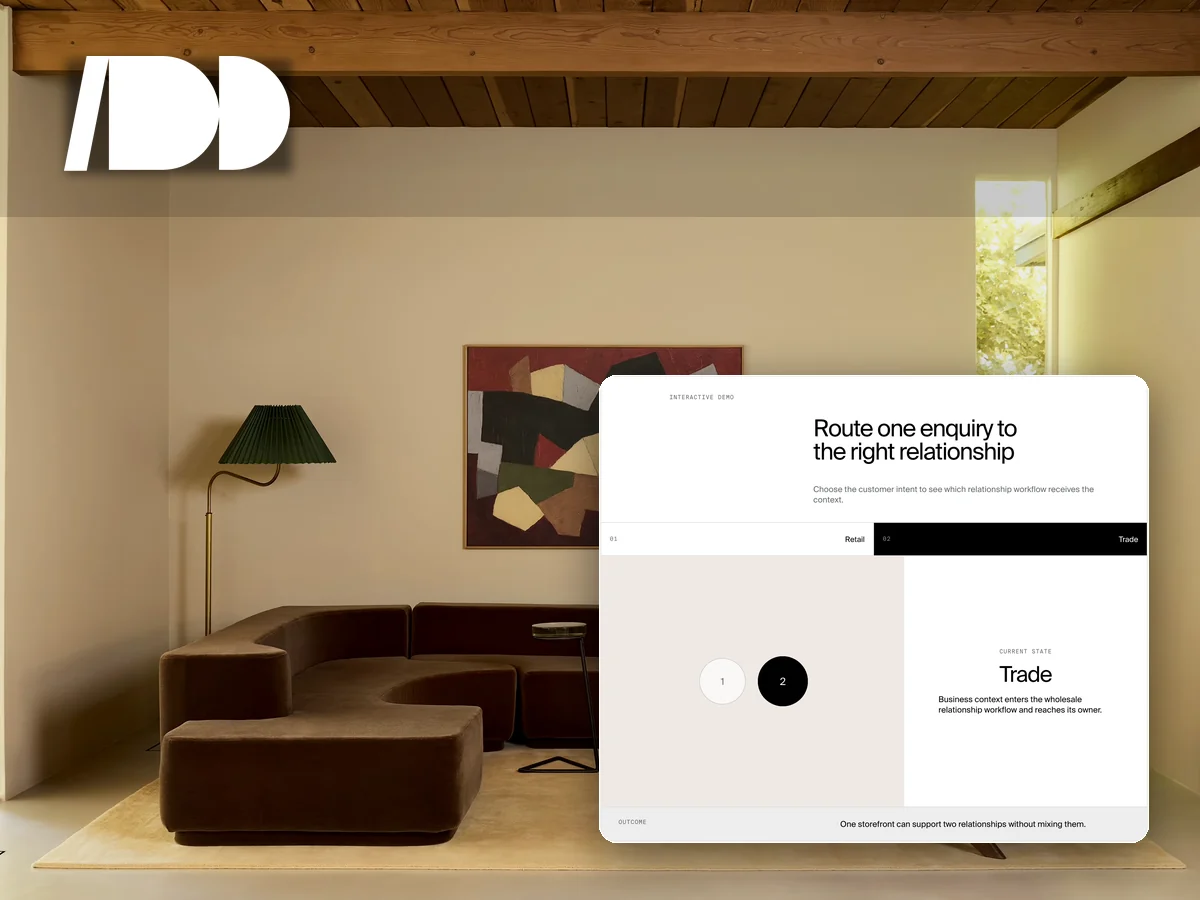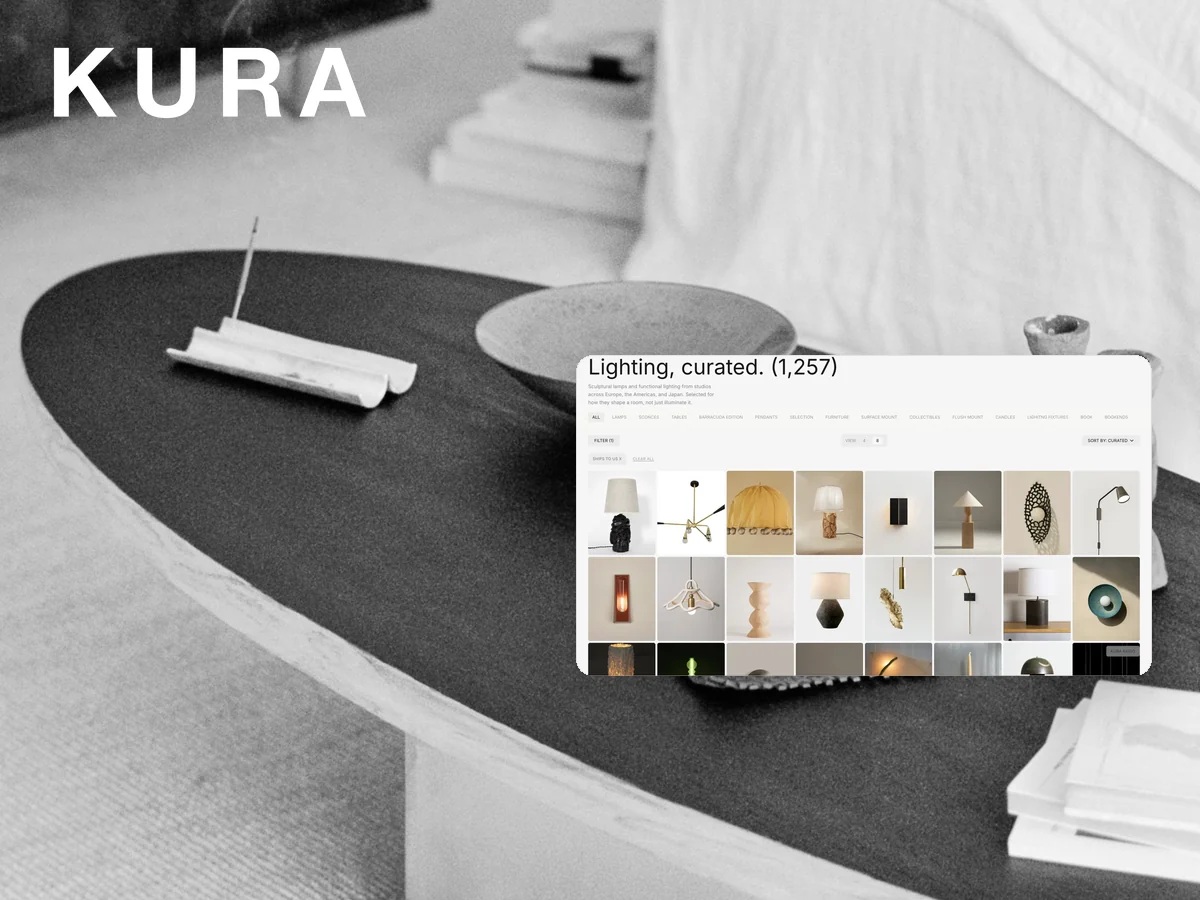
A premium store can outgrow the limits of a theme without outgrowing the commerce system that already holds its catalogue and orders. Replacing both at once adds risk where customers pay. The better split is a custom storefront in front and Shopify checkout behind it.
Interactive demo
Follow the same product through both layers
Move through the customer journey to see which layer presents the experience and which layer keeps the commerce record.
- CurrentStorefront
- NextCart
- NextCheckout
- NextOrder
Current state
Storefront
Custom presentation reads live product data.
How it works
- The commerce platform remains the source for products, availability, customers, and orders.
- The custom storefront reads the catalogue and renders the brand's own navigation, product stories, search, and collections.
- A customer builds a cart in the storefront with current product and availability data.
- Checkout opens on Shopify with the selected merchandise and customer context intact.
- Orders return to the same operating system the team already uses for fulfilment and service.
What becomes easier for your team
- Forcing a custom design into a theme section.
- Copying product data into a second catalogue.
- Maintaining a separate order system for the custom site.
- Choosing between brand expression and a reliable checkout.
What we connect
The custom storefront, Shopify catalogue, customer accounts, cart, hosted checkout, order record, analytics, and transactional email move as one store. The design layer can change without moving the commercial source of truth.
Good for
Design-led brands that need editorial layouts, unusual product journeys, multi-store discovery, or custom customer tools while keeping Shopify checkout and operations.
Get it on your store
Available through a Custom or Systems Build. Show us the experience the theme cannot support and the operations that must stay intact. We will define the clean boundary between them. Tell us about the store.